


Experience the Power of an Intelligent Admin Dashboard
Start optimizing your operations today with a dashboard built to scale with your business.
Before vs After Using Our Admin Dashboard


New Way:
Real-time dashboard
Centralized data
Activity logs & insights
Automated reports
Old Way:
Manual spreadsheets
Scattered data
Hard to track activities
Slow reporting
Our Solutions
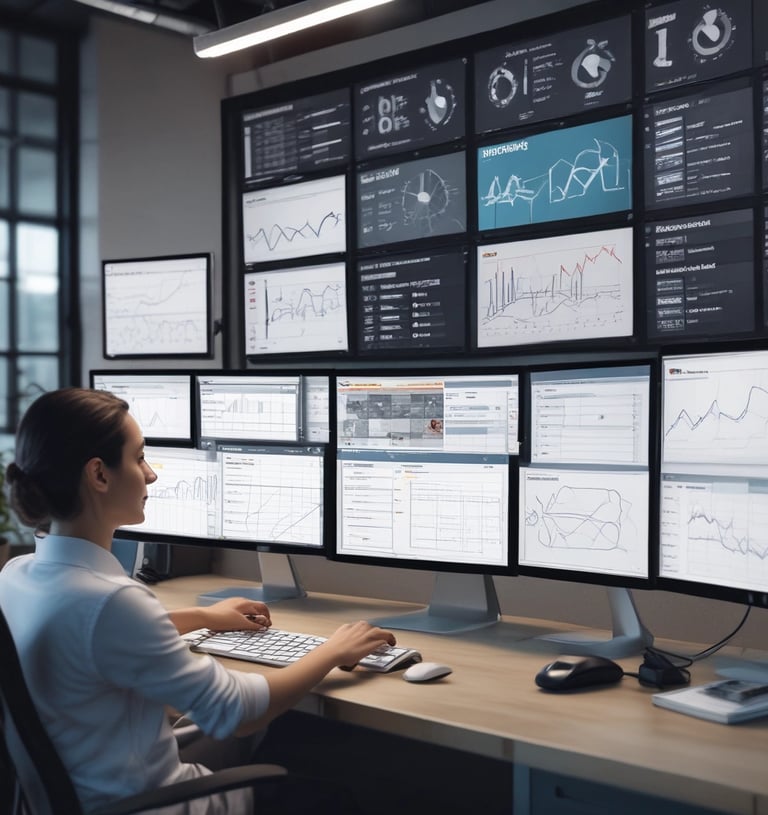
Skydash Admin MS
Your Dashboard, Reinvented for Performance
Experience a powerful, responsive, and feature-rich admin system built to streamline operations — from analytics and reports to user control and real-time monitoring.
*Contact Our Support for request username & Password
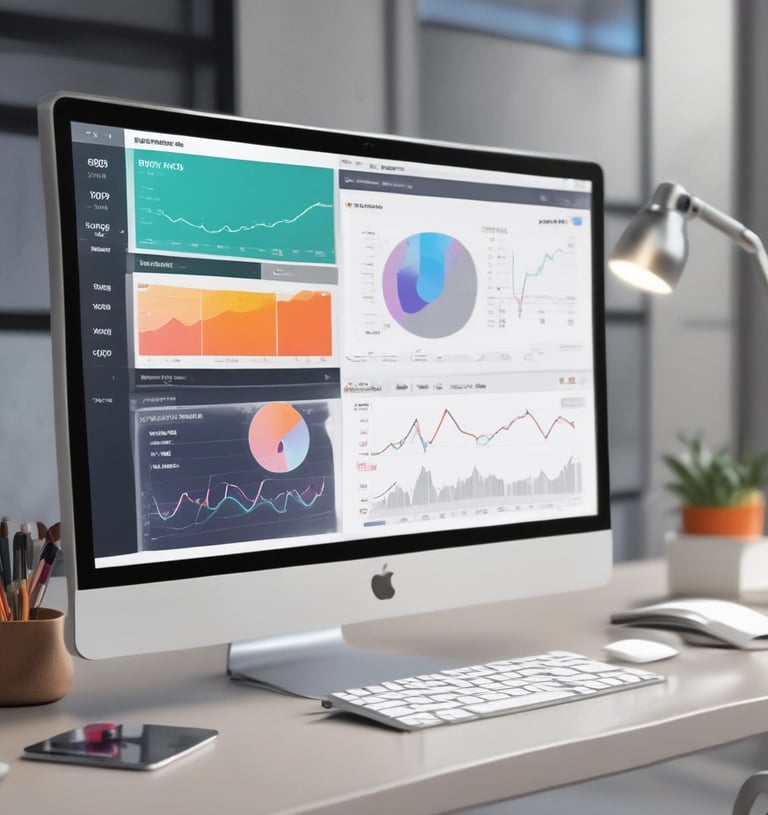
Corona Admin MS
Smart Insights with a Modern Dark Dashboard
Track KPIs, manage users, visualize data, and monitor system performance with a fast, responsive admin panel optimized for professionals who need precision and clarity.
*Contact Our Support for request username & Password
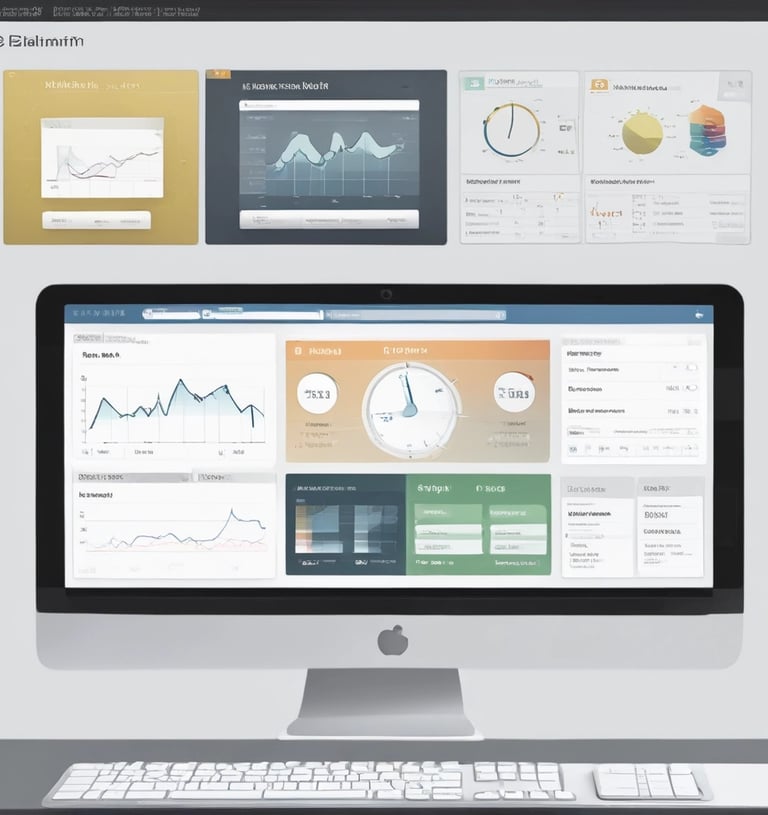
ElaAdmin MS
Effortless Management with a Clean UI
From analytics and user tracking to tables and widgets, ElaAdmin provides the essential tools you need in a streamlined dashboard designed for clarity and performance.
*Contact Our Support for request username & Password
Frequently asked questions
What is the Admin Dashboard used for?
The Admin Dashboard centralizes system management, allowing you to monitor activities, manage users, access reports, and configure settings in one place.
Does the dashboard include reporting and analytics?
Yes. The system provides real-time insights, performance summaries, and downloadable reports for better decision-making.
Do I need technical skills to use the dashboard?
No. The dashboard is built with a simple, intuitive interface so anyone can use it without technical expertise.
Is my data secure in the Admin Dashboard?
Absolutely. The dashboard uses encrypted connections, access control, and audit logs to keep all data safe and protected.
Can I control user permissions and access levels?
Yes. You can assign roles, create permission levels, and control what each user can view or modify.
How do I get access to the demo?
You can request demo credentials by contacting our support team. They will provide a temporary username and password for testing.
Transform Your Operations with a Smarter Admin Dashboard
Contact Us
Phone
info@malaralamtechnology.com.my
(+60)10-449 8780
© Malar Alam Technology 2025 | All rights reserved.
development@malaralamtechnology.com.my
(+60)17-309 7718
Contact Our Developer
Phone
(+60)14-820 6770
malaralamtechnology@gmail.com